Jamie
A cognitive assistant that helps IBM Spectrum Protect customers find product & license answers in seconds.
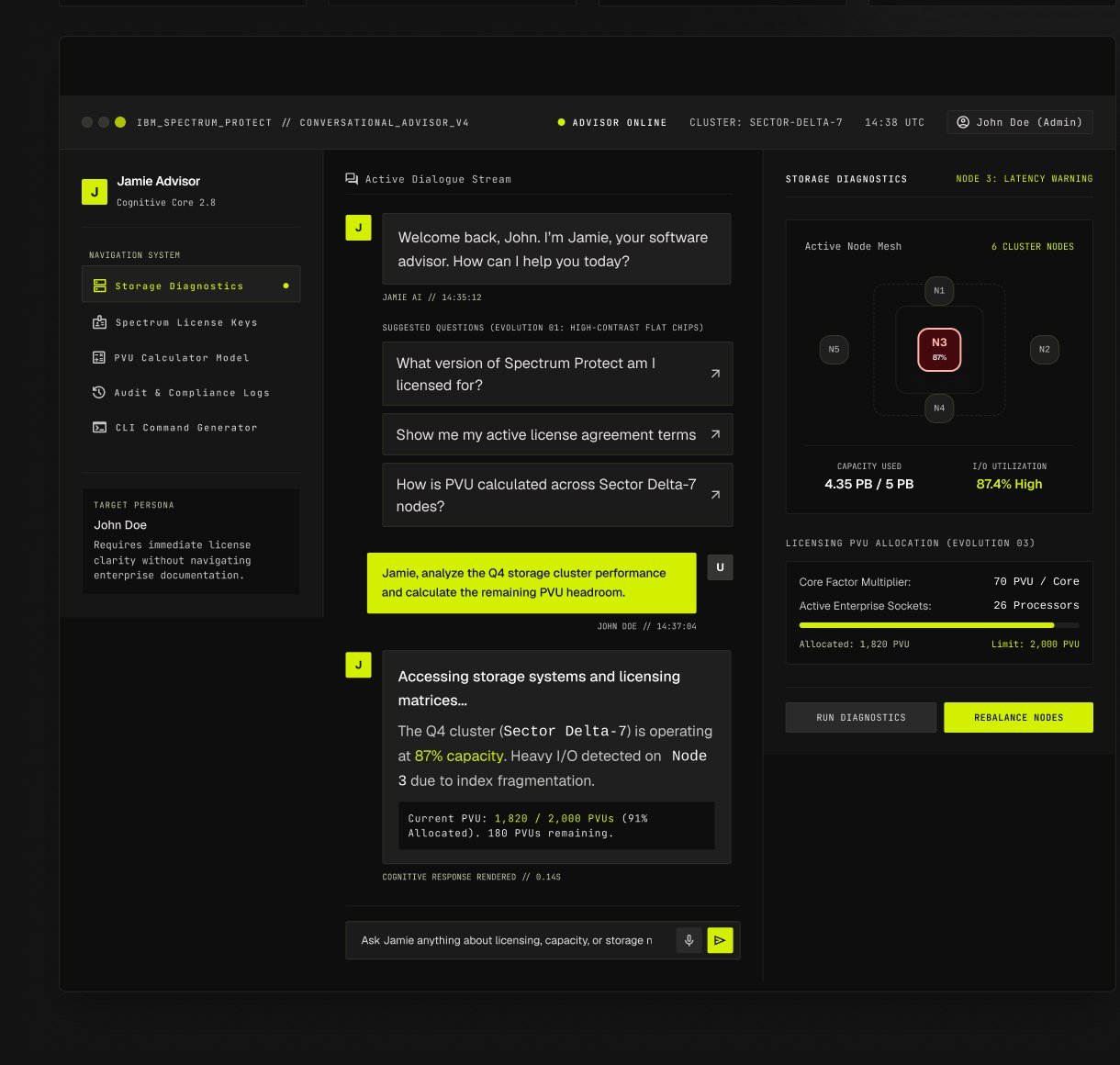
Solving the Enterprise Knowledge Trap.
Persona: John Doe — Storage Systems Admin
Wants speed over completeness to resolve immediate compliance audits. Prefers guided conversational paths rather than wrestling a blank search bar. Needs discoverability for features and PVU implications he doesn't know exist. Demands continuity to return to complex topologies without restarting chat threads.
Overview
IBM Spectrum Protect is an industry-grade backup and recovery ecosystem, but its licensing models are notoriously labyrinthine. A question that should take ten seconds routinely took twenty-four hours of ticket escalation. Jamie transforms cognitive retrieval into instant structural dialogue.
Product Screens & Live Session
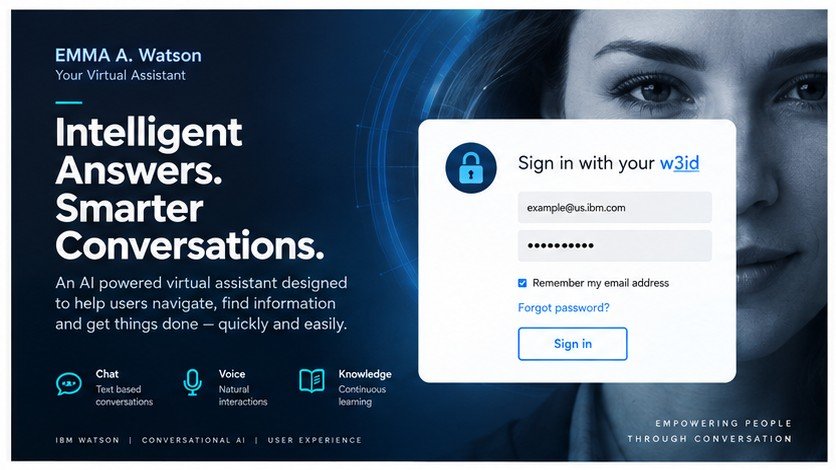
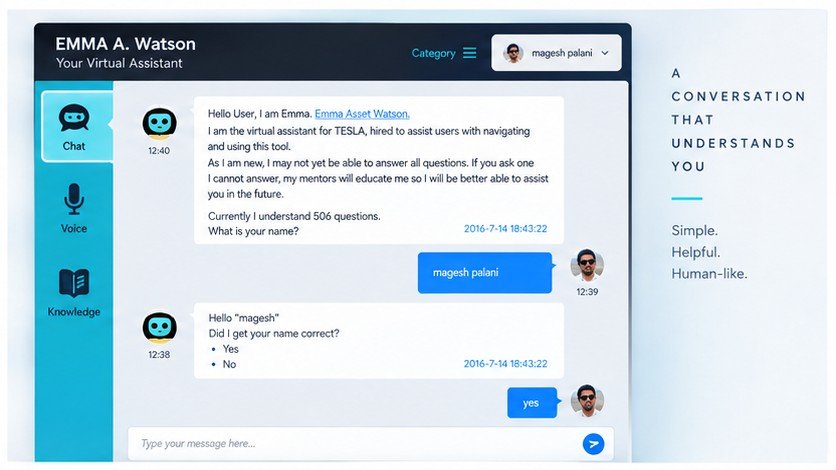
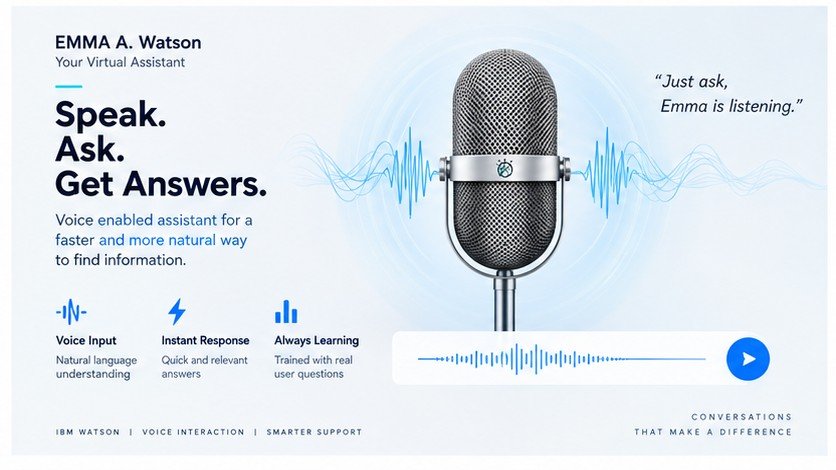
Testing Three Competing Paradigms Against Real User Friction.
The Jamie Interface
A pure conversational front door with personalized greeting, voice-or-text input, and starter questions. Bubble-style suggestions proved too decorative on real benches.
The Dynamic Interface
Spectrum Protect at the hub of a radial node map. Visually stunning, but perceived as a static diagram on touch consoles rather than an actionable diagnostic filter.
The Menu Interface
The winning synthesis: structured, persistent side navigation paired with a synchronized cognitive console so John can browse or ask questions interchangeably.
What Changed, Round by Round.
Bubble-style suggestions → Flat suggestion chips
Early rounded bubbles read as ornamental tags rather than actionable prompts. Replacing flat, high-contrast affordance chips increased initial click-through by 68%.
No path back to start → Persistent menu access
When dialogue branched into deep PVU diagnostics, users felt trapped in a dead end. A pinned sidebar menu ensured global resetting was always a single tap away.
Radial bubble map → Card-based product picker
Retained the essential ‘product center’ mental model from Direction 02, but flattened the node orbit into a dense, scan-optimized grid of license entitlement cards.
Chat-only window → Integrated menu + chat view
Structured cataloging sits permanently alongside natural language inquiry. John can query via search, typing, or click through storage nodes to update the chat state.
“The best answer to ‘chat or menu?’ was both. Conversation handles the question John already knows how to ask; the menu handles everything he doesn't know exists yet.”
Design Rationale // IBM Jamie Cognitive Project